
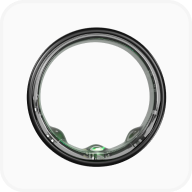
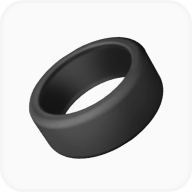


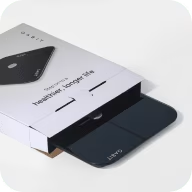

Gabit CGM
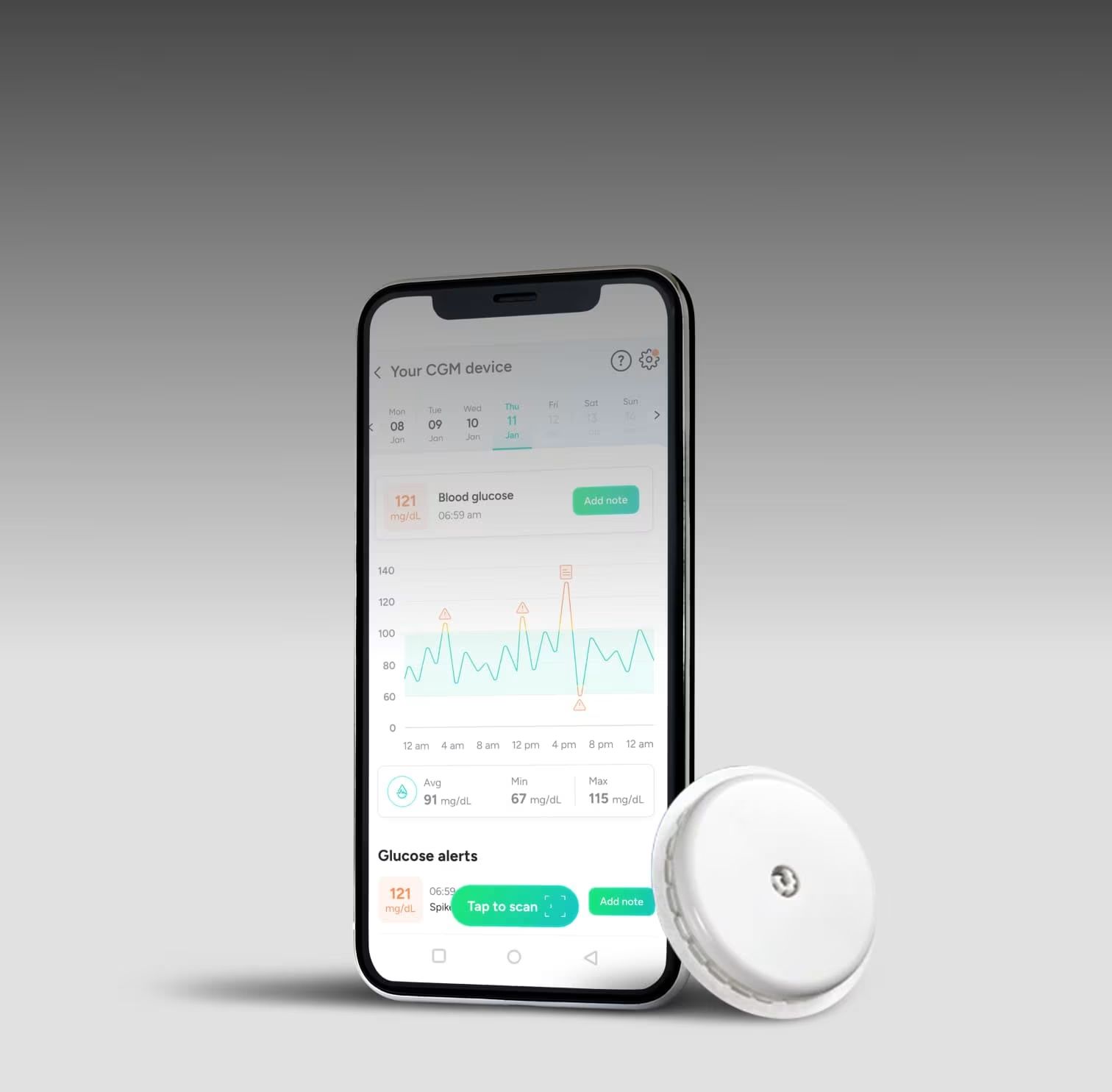
Real-time glucose insights
(Incl. of all taxes)
Zero Cost EMI available

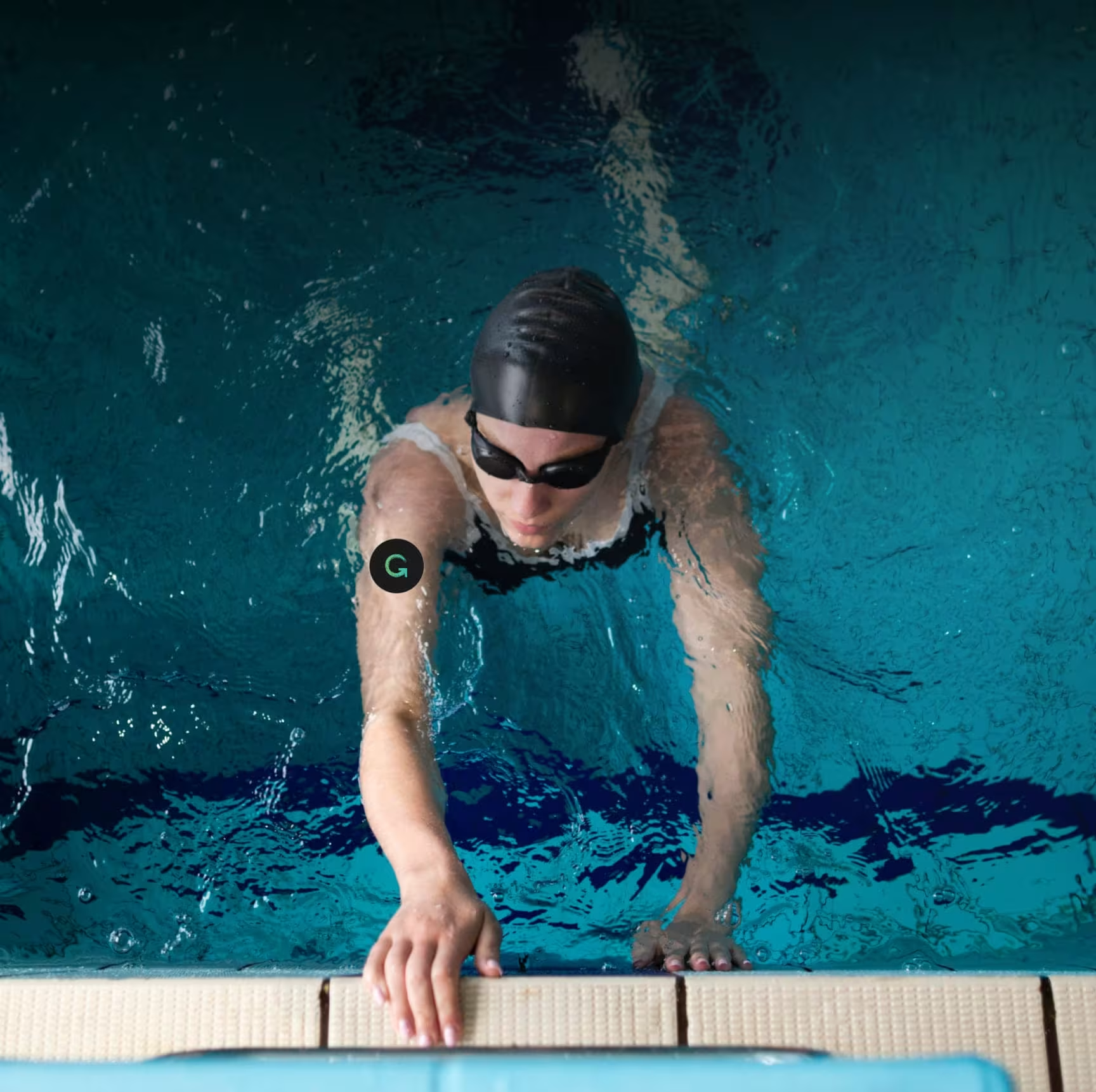
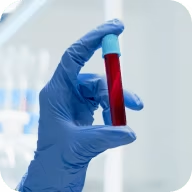
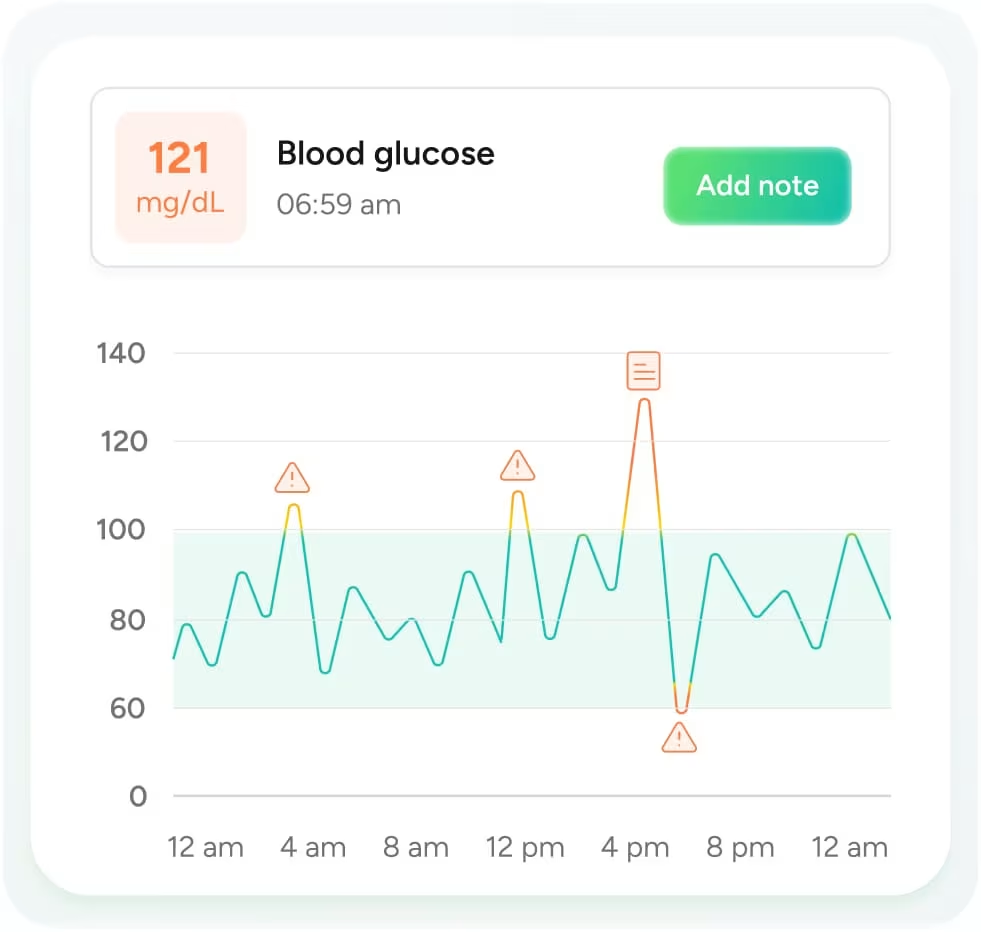
Body markers
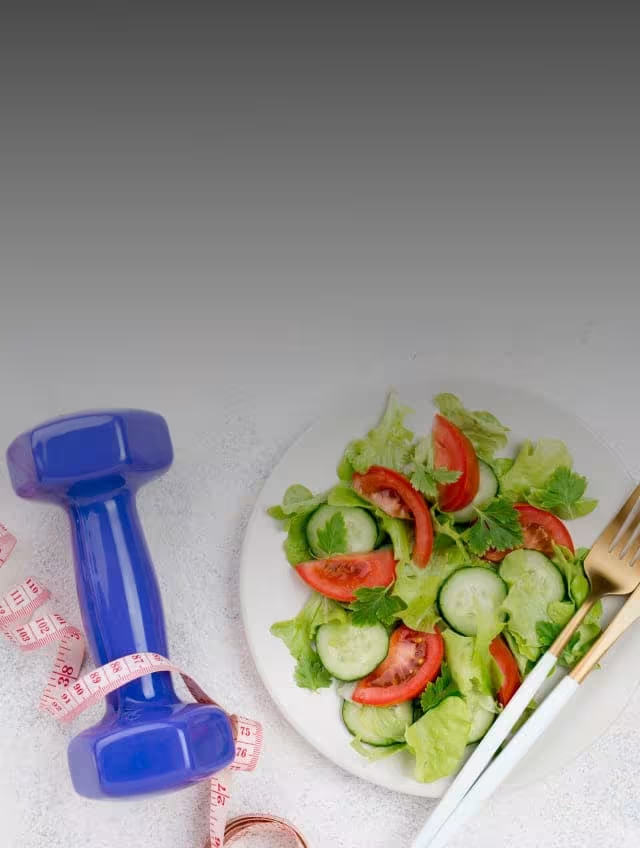
Fitness & Nutrition plans



Want to know more about the Gabit CGM

Reviews and ratings

stories
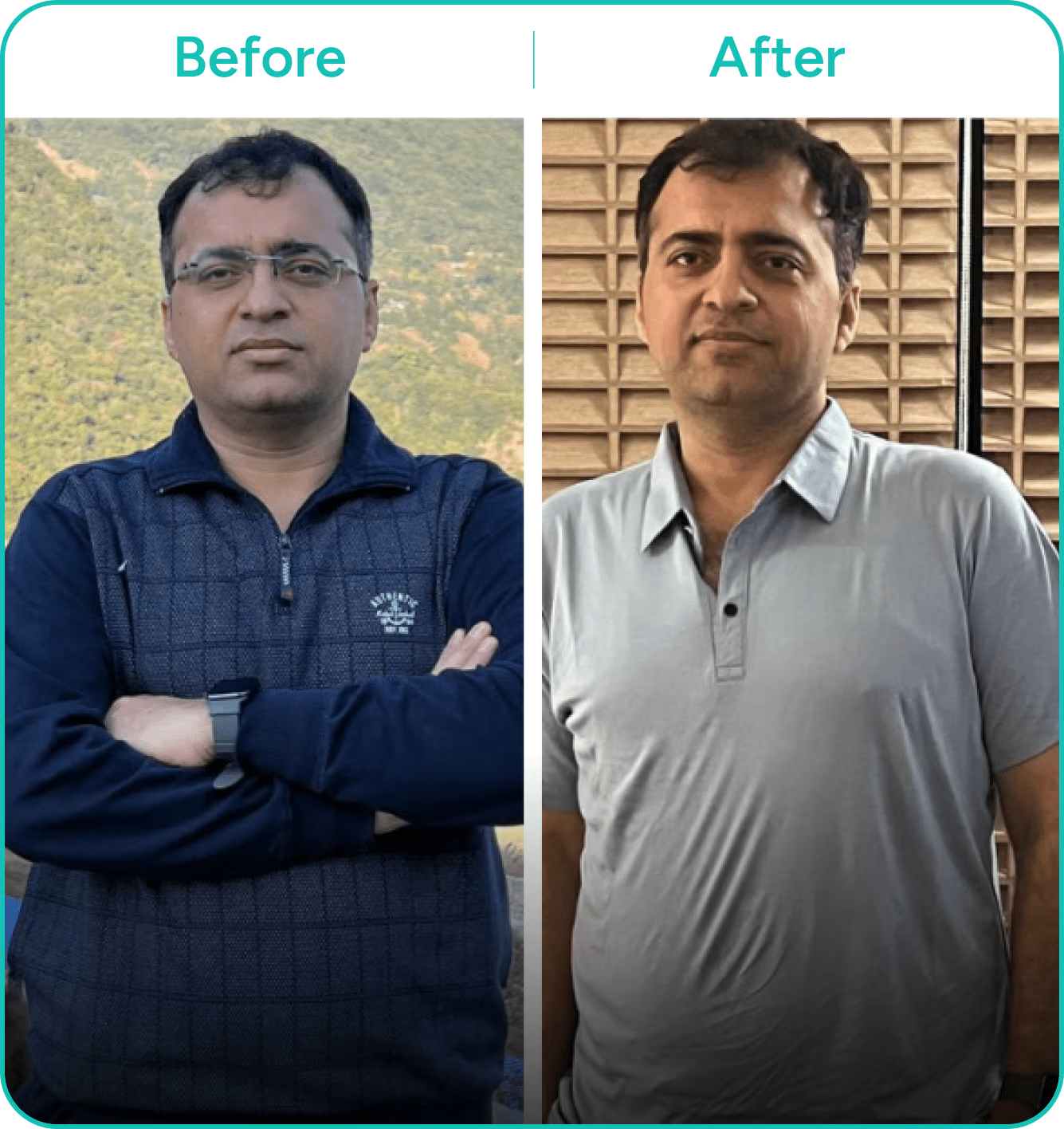
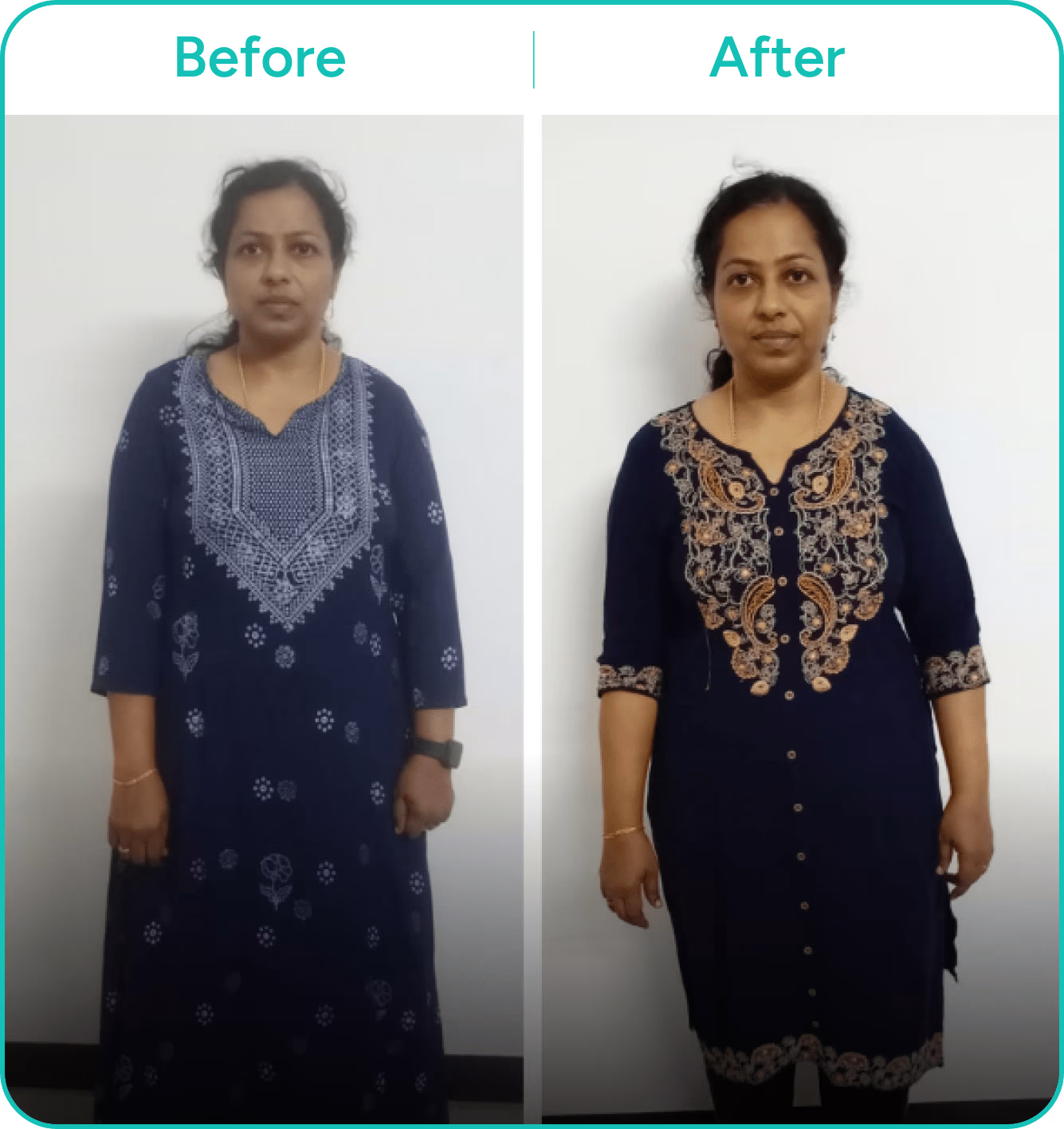
The team is professional, interact with the patients and listen attentively. They suggest simple modifications in our lifestyle and monitor us regularly. This helped me reduce my sugar pills and BP tablets within 1.5 months.
5.2
46.3%
HbA1c
78
4.5%
Weight
102
6.4%
Fasting sugar
Umesh Mehta

Frequently asked questions
Why is metabolic health important?
Metabolic health reflects your body's ability to efficiently use food for energy, growth, and repair, as well as to store energy for times of scarcity. Maintaining good metabolic health offers several benefits: - Enhanced cardiovascular health: Improved heart health, mood, and reduced anxiety and depression - Detoxification: Helps the body eliminate toxins more effectively - Better blood circulation: Aids in processing nutrients more efficiently - Increased muscle mass and energy: Boosts muscle mass, bone density, and overall energy levels - Improved sexual health: Supports better sexual health and fertility - Reduced inflammation: Lowers inflammation, protecting against metabolic diseases
Do I need an NFC-enabled phone to use the CGM device?
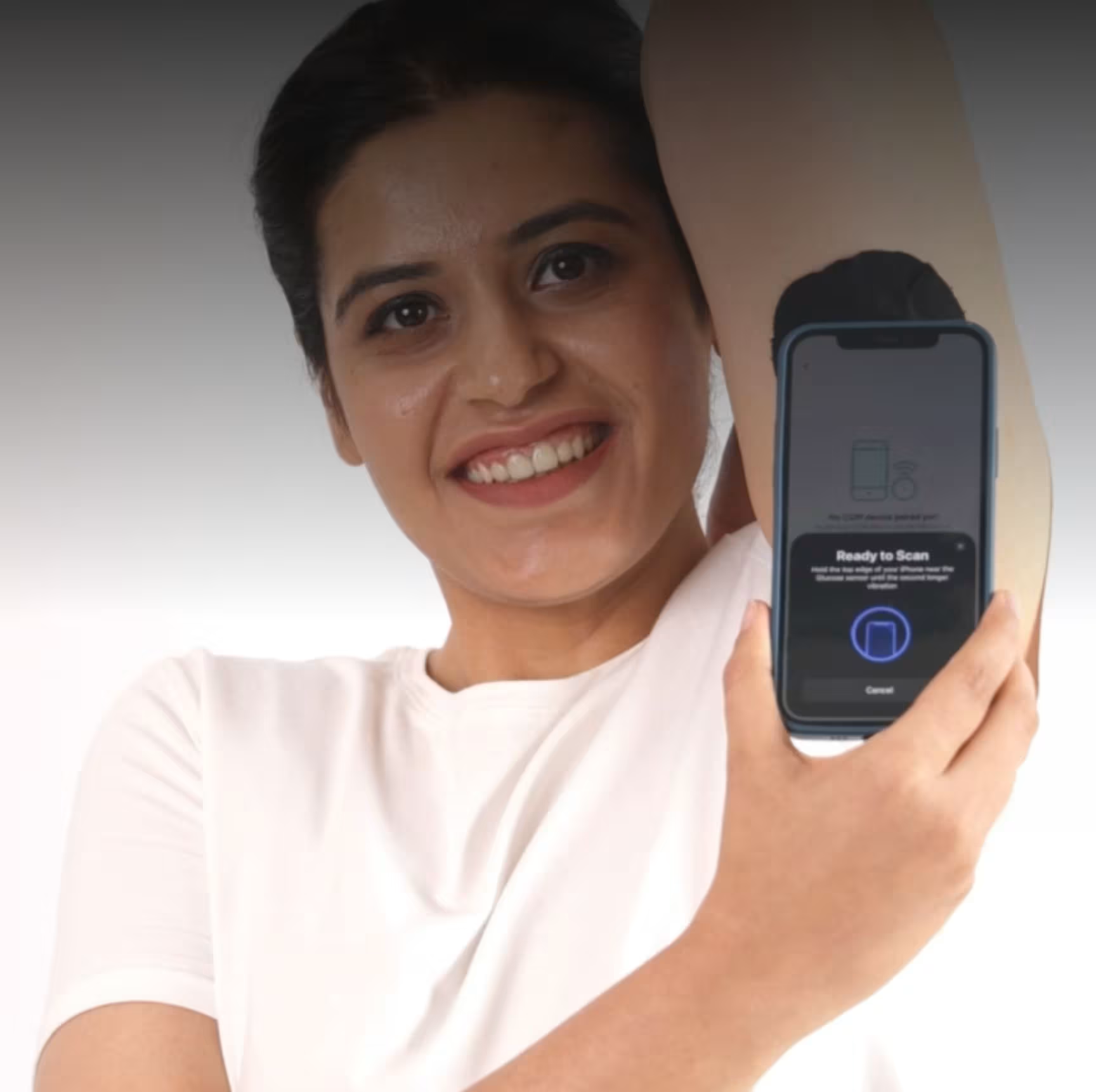
Yes, you do. The CGM device uses NFC technology to send your health data to your mobile phone.
How do I check if my phone is NFC-enabled?
- For Android 1. Open the Settings app. 2. Go to "Connected devices" or "Connections" (the exact name may vary depending on your phone model). 3. Look for "NFC" or "Near Field Communication". If you see this option, your phone has NFC. - For iPhone All iPhones starting from the iPhone 7 have NFC built-in.
How long does the CGM device last? Can it be reused?
The CGM device is designed to last for 14 days. Once it is removed or if it falls off before the 14-day period is over, it cannot be reused. If the device has reached the end of its 14-day lifespan or comes off earlier, you will need to purchase a new CGM device.
Will the needle stay inside my skin?
No, the CGM device is minimally invasive. When applied, a small, thread-like filament is inserted just under the skin and secured with an adhesive pad. The filament remains in the interstitial fluid layer of the skin. The process of applying or removing the device is generally painless, and once in place, it will not interfere with your daily activities.
Can I remove the device every night?
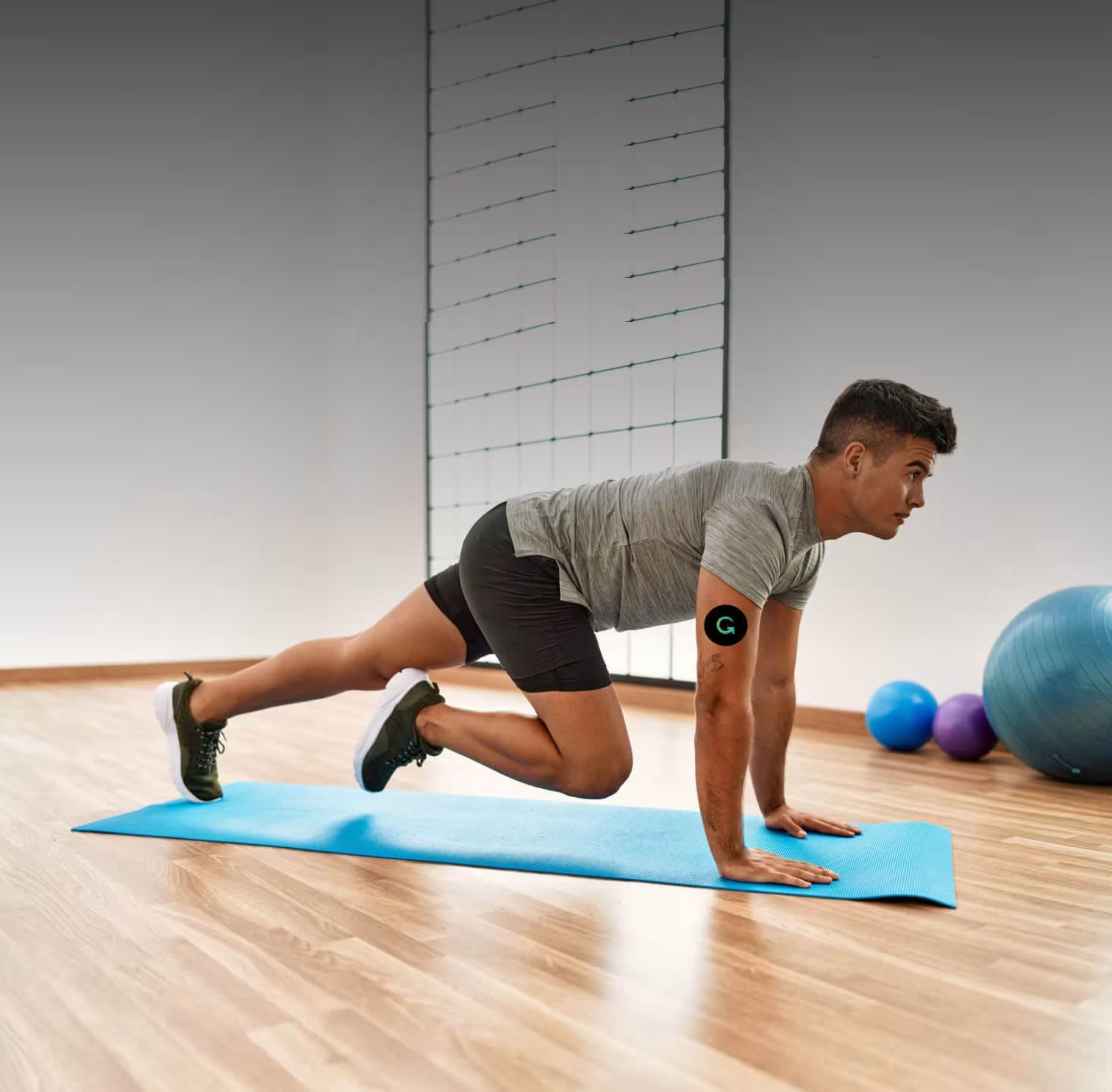
No, you do not need to remove the device. It is designed to stay in place continuously, tracking your glucose levels without interfering with your daily activities or sleep. You won’t even notice it’s there.
Can I wear my CGM device while bathing, swimming, or surfing?
Yes, your CGM device is water-resistant up to 1 meter (3 feet) for a maximum of 30 minutes. While it can handle exposure to water, we recommend avoiding immersion beyond this depth and duration to ensure optimal performance.
Can the device or patch cause an allergic reaction to my skin?
The CGM device and the patch are designed to minimize the risk of allergic reactions. However, if you experience any skin irritation around or under the device, remove it immediately and consult your healthcare professional.
How long will it take to receive my CGM device?
Once we receive payment confirmation, we will process your order immediately. Delivery typically takes 2-7 days, depending on your location.
How do I apply the CGM device?
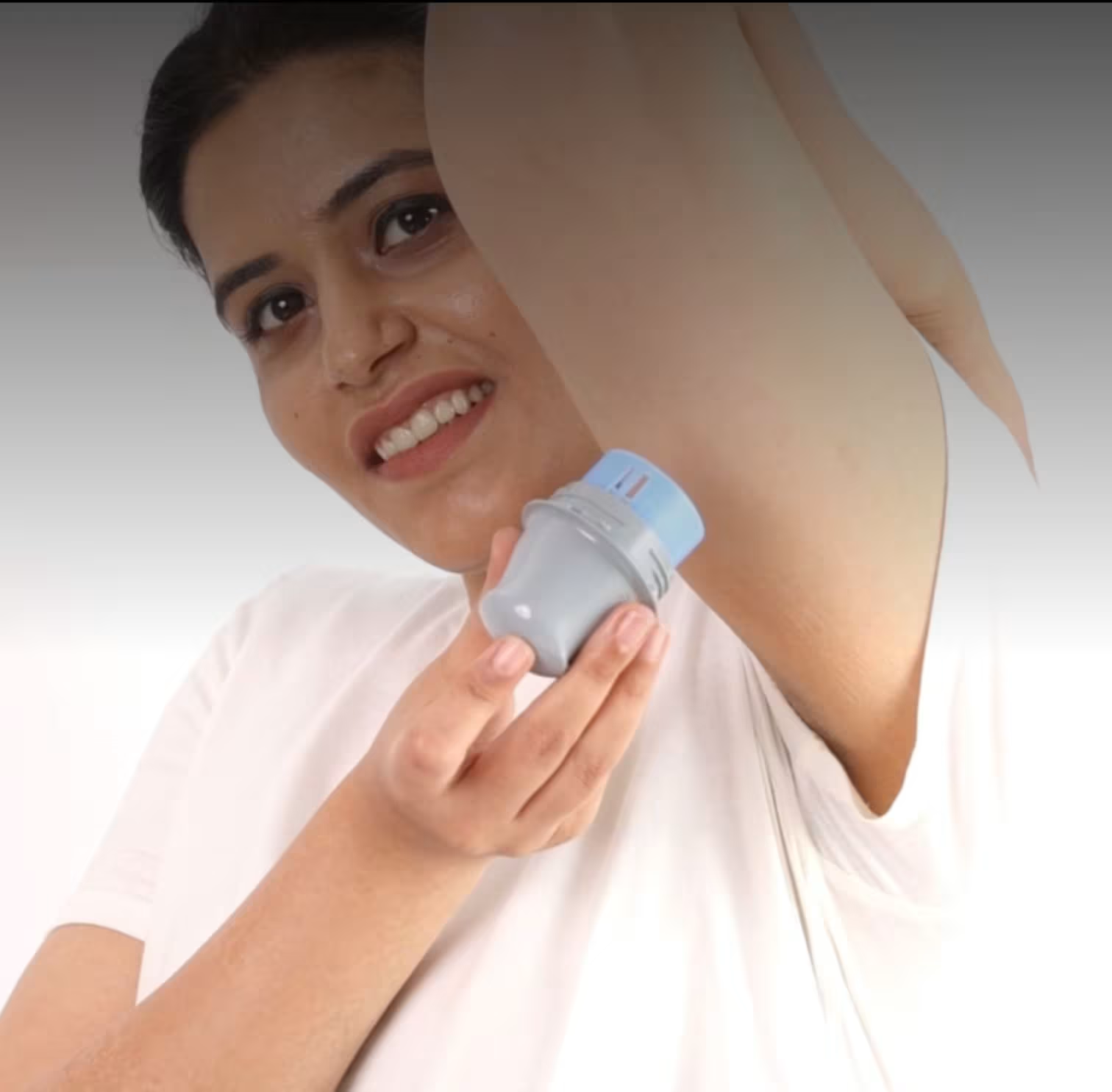
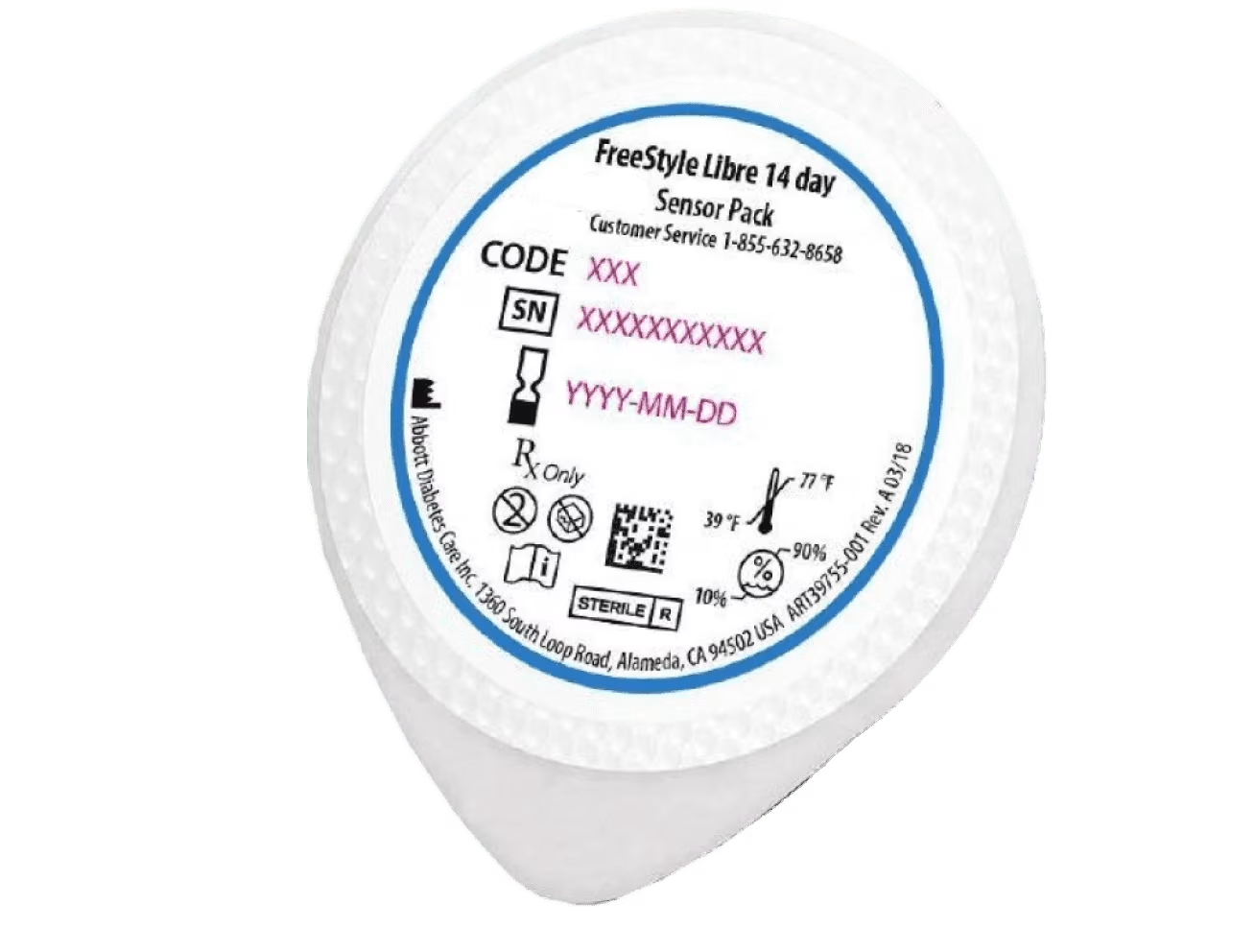
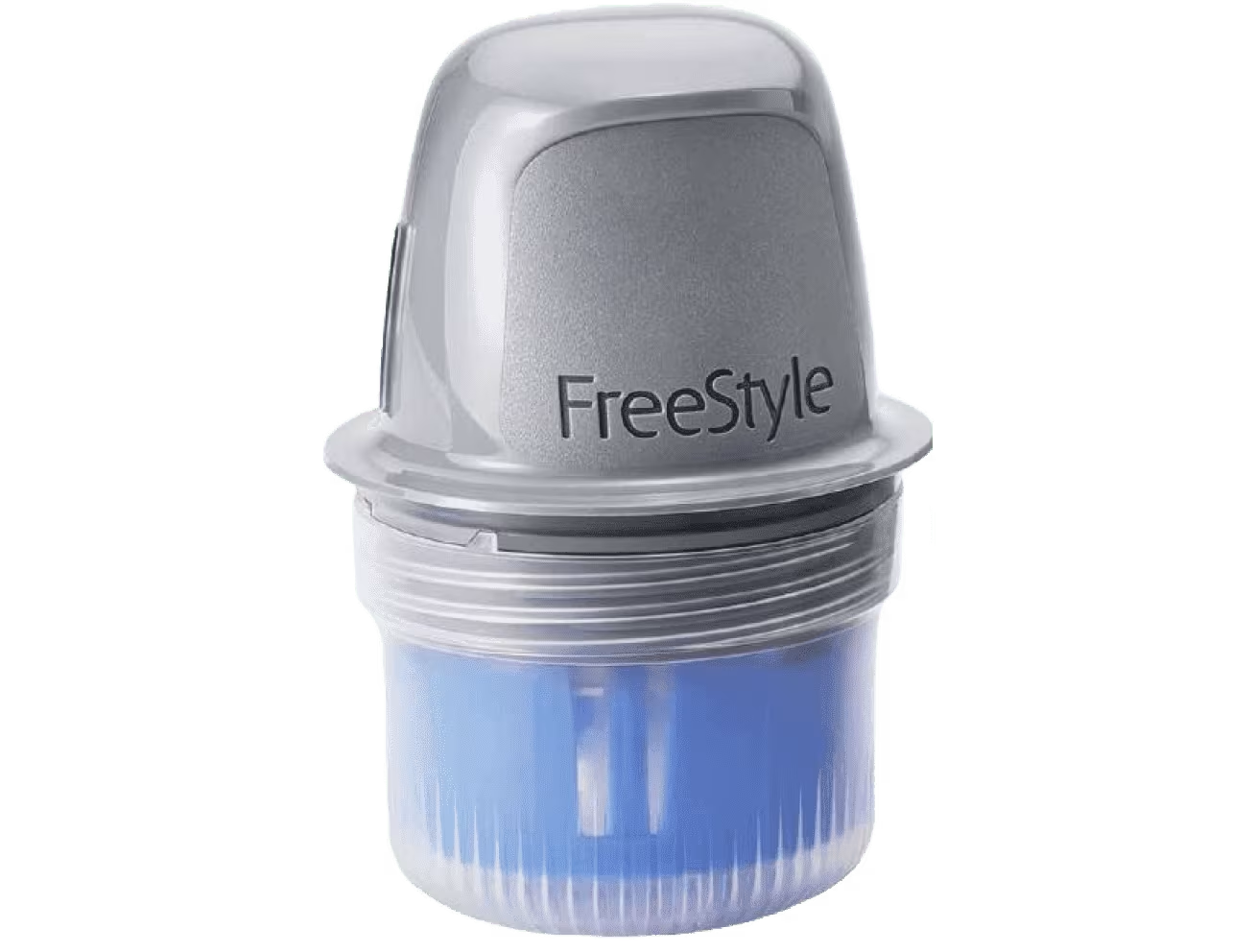
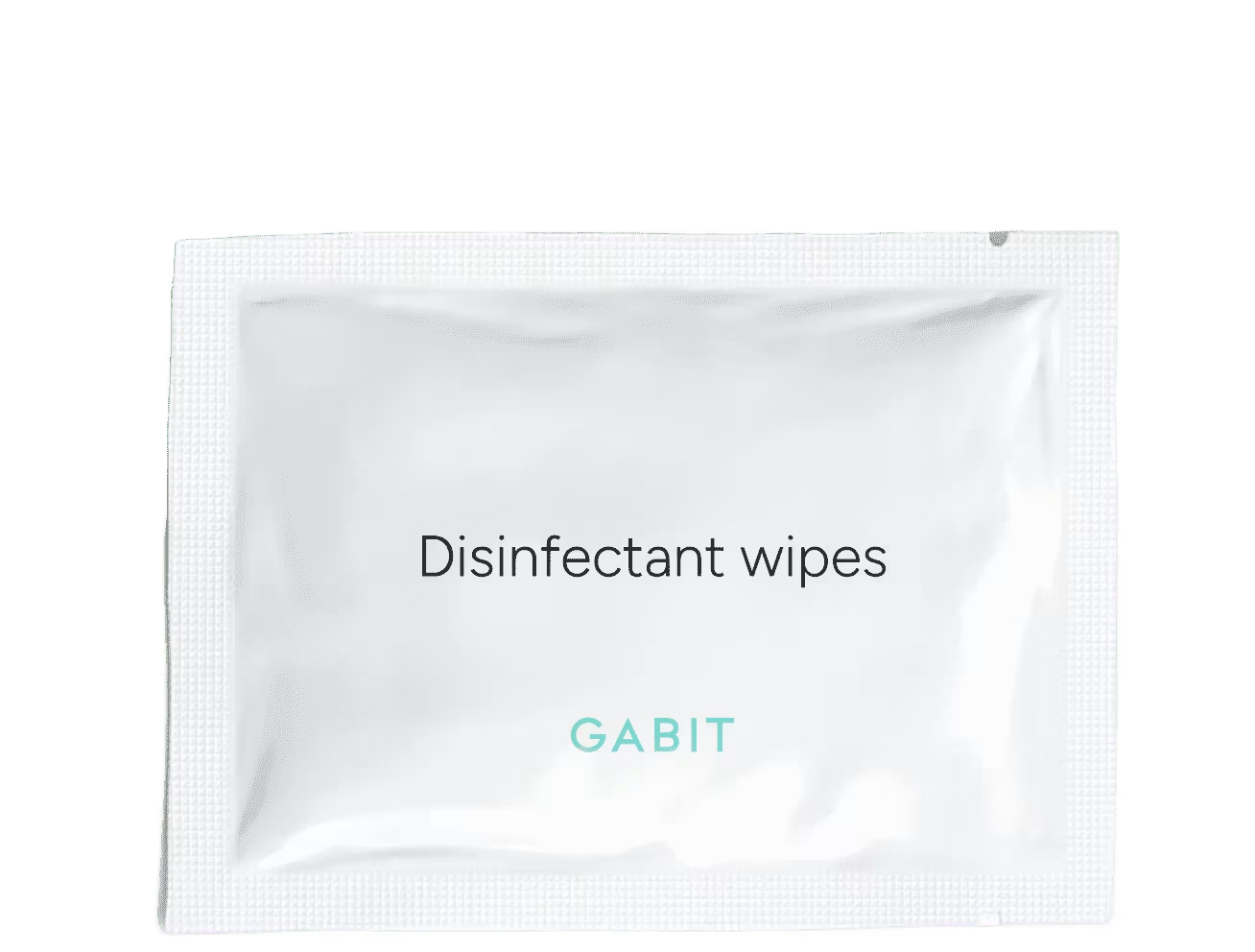
- Prepare the device Peel off the CGM device cover. Open the applicator by twisting the cap. Align the applicator with the CGM device and press down firmly until you hear a click, indicating it is securely attached. - Clean the application area Clean the back of your upper arm with a disinfectant wipe and let it dry completely. Avoid areas with scars, moles, or lumps. You may shave the area if needed. If reapplying, select a different spot to avoid skin irritation. - Apply the device Press the applicator onto the cleaned area of your arm firmly, but not too hard. Ensure the CGM device is secure by gently pressing around its edges. Then, apply the Gabit protective patch over the device to protect it from dust and water; it is non-allergenic and looks cool! - Activate the device Open the Gabit app on your phone, scroll down, and tap on ‘Scan your CGM device’. If you don’t see this option, go to your profile, scroll to ‘Your devices’, and select ‘Gabit CGM’ to activate it.
How do I remove the CGM device?
- Remove the Gabit patch Gently peel off the protective patch from your skin. - Apply oil Apply oil around the edges of the CGM device and let it sit for 2 minutes to help loosen the adhesive. - Remove the device Lift the edge of the adhesive securing the device to your skin and slowly peel it away in one smooth motion until the device is fully removed.
How long does it take for the device to calibrate?
The CGM device activates within two hours of scanning and applying. During the first 24 hours of use, readings may vary slightly as the device calibrates to your body.
How many glucose readings can the device store?
The device can store glucose readings for up to 8 hours. To avoid data loss, it's recommended to take at least one scan every 8 hours.
How often does the device capture and store glucose readings?
The CGM device measures your blood glucose levels every minute and stores the data for up to 8 hours.
More information
BetterLife Horizons Pvt. Ltd., 18th Floor, Building No. 5A, DLF Cyber City, Gurgaon, Haryana, India - 122002
Continuous Glucose Monitor
1 U Glucose Monitoring Sensor
care@gabit.com, +91 9311732130 or reach us at the above address